Destination Internet Guides
Vacation Rental Network Guide: How a 20GB/90-Day $64.99 SIM Fits Seasonal Property Management
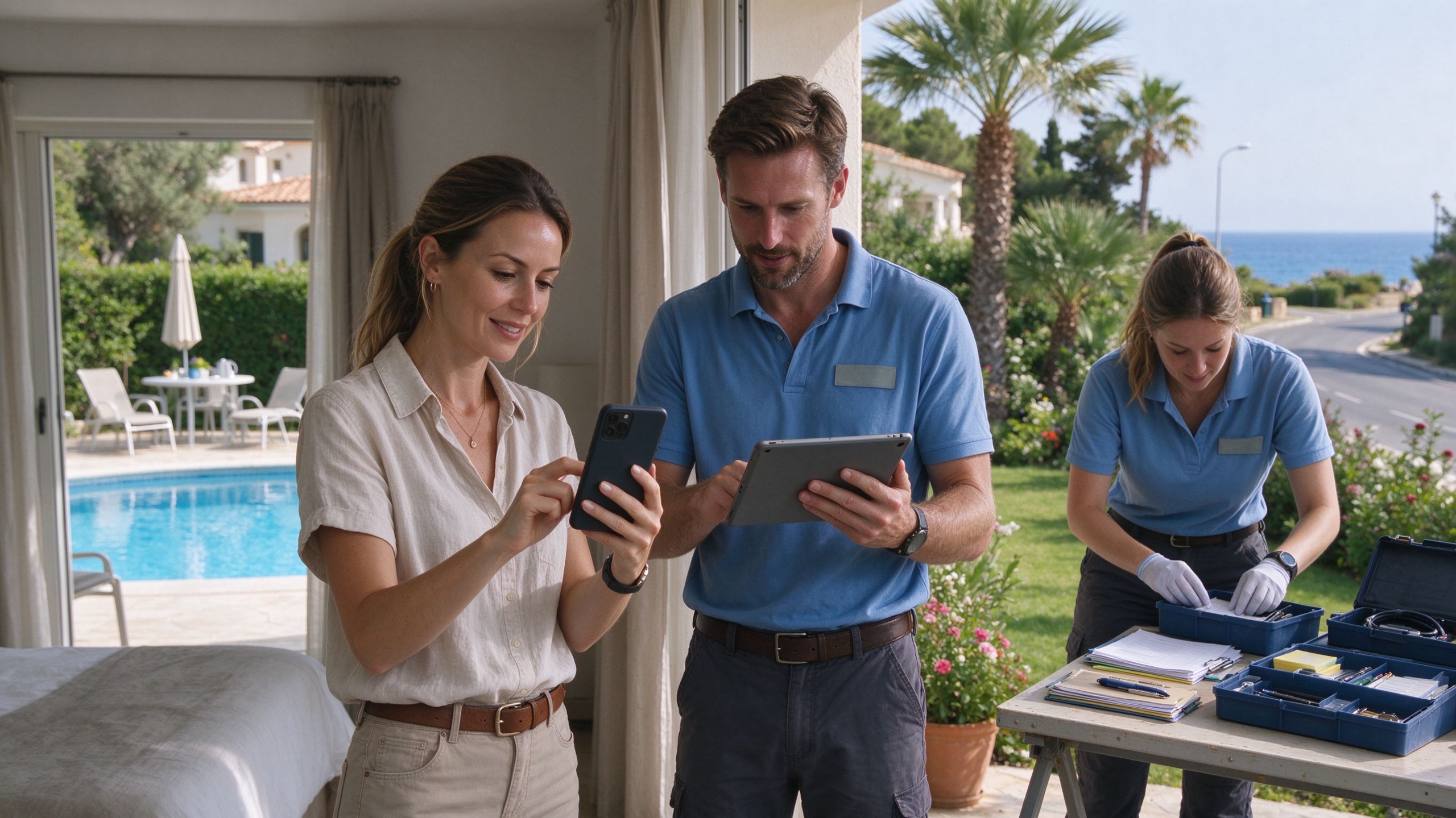
A vacation home in the U.S. can be busy one week and completely empty the next. Lake houses fill up during the summer, ski cabins get most of their bookings in winter, and mountain rentals can sit untouched between guests. The house may be quiet, but the work doesn’t stop. Someone still needs to check the lock, keep an eye on the temperature, catch alerts, and take a look at the property when something seems off.
That makes connectivity a little different from what you’d have in a regular home. When nobody is staying there, the TV and laptop might not be doing anything at all, but property-related data is still moving. There are routine status updates, occasional remote checks, photos from a maintenance visit, and sometimes a live camera session when the owner wants to see what’s happening.
That’s where a separate mobile data connection can make sense. A 20GB/90 Days SIM costs $64.99 and is data-only, so there’s no texting or voice calling included. It’s meant to keep property-related connectivity running over a defined period. Whether it’s a good fit comes down to how the house is actually managed.
1. What Still Uses Data When the Property Is Empty?
The time between bookings is usually pretty quiet, with only a small amount of data being used. But the property still needs to stay connected. That’s one reason a 20GB/90 Days SIM can make sense for a vacation rental that needs a simple mobile data connection between guest stays.Imagine the last guests check out on Sunday and the next booking doesn’t start until Friday. Monday might be completely uneventful. On Tuesday, the owner checks the indoor temperature remotely. Wednesday, they confirm the lock status. Thursday, an alert comes in, so they open a camera to take a quick look around the front entrance.
None of these tasks uses much data on its own. The important part is that they can keep happening even while the property is sitting empty. Over several weeks, those small checks become part of the property’s regular data use.Once a guest arrives, the pattern changes. There may be a remote unlock, more frequent status checks, temperature adjustments, or a quick camera check after an alert. The biggest difference isn’t necessarily the number of connected devices. It’s simply that the data is being accessed more often.
Photos and video are a different story. A property manager might send a few pictures after a maintenance visit. The owner may open a live feed after receiving an alert. A repair issue may involve several rounds of photos and online updates before it’s resolved.Turnovers add another layer of small data tasks. One guest checks out, the property gets inspected, something gets uploaded, and a few days later the process starts again with the next arrival.
So when you’re estimating a vacation rental’s data needs, the number of connected devices only tells you part of the story. What matters more is how often the data is accessed, how much gets uploaded or viewed, and how often those tasks repeat during the season.
2. Is 20GB Enough? Look at the Property’s Real Usage
Taking 20GB and dividing it by 90 days sounds simple, but it doesn’t tell you much about how a rental actually uses data. A 20GB/90 Days SIM makes more sense when you look at the whole operating period instead of treating every day as if it will use the same amount.
A property can go several days with almost no activity beyond routine updates and an occasional dashboard check. Then a guest arrives and online activity picks up. A maintenance problem comes up over the weekend, live video gets checked several times, and a few photos are uploaded. A few days later, usage drops back down.That’s why a daily average can be misleading.
Past usage is much more useful. Look at how often the owner checks in remotely, how many guest stays happen during a typical quarter, how often inspection photos are uploaded, and how frequently live video is used. Those numbers give you a much better idea of what the property is likely to consume.Video is worth watching closely. Checking a simple status page is one thing. Leaving a live camera open or switching between several feeds is something else entirely. A rental that only uses video when there’s an alert can have a very different data profile from one where someone checks feeds every day.
That’s really the question behind a 20GB/90 Days SIM: not whether 20GB sounds like a lot, but whether the allowance lines up with the amount of online work the property actually generates.

3. Why a 90-Day Plan Fits Seasonal Rentals
Seasonal properties already run on a schedule. A lake house may have most of its bookings packed into the summer. A ski rental can have a completely different peak season. Some short-term rentals stay busy for a few months and then barely see a guest outside that window.For those properties, it can be easier to budget connectivity around the rental season instead of treating every month of the year exactly the same.
A 90-day period can cover getting the property ready, handling guest stays, managing turnovers, taking care of maintenance, and getting through the quieter stretches in between. That gives the owner one clean period to track when looking at the cost of connectivity.
The 20GB/90 Days SIM costs $64.99 and includes 20GB of mobile data for that 90-day period, with no SMS or voice calling. It’s aimed at properties that mainly need a mobile data connection rather than a traditional phone plan.For a seasonal rental, having one defined period can also be easier than repeatedly restarting short-term service as bookings come and go.
4. The Unexpected Stuff Is Where Data Can Jump
Routine checks aren’t always what use the most data. Bigger spikes often happen when something needs attention.Say the owner gets a door alert late at night. They open the dashboard, check the status, pull up a live camera, switch to another view, and spend a few minutes making sure everything looks normal. The next morning, the property manager stops by, takes several pictures, and sends them over.A situation like that may not happen often. But a short troubleshooting session can use far more data than a week of basic status checks. That matters when you’re deciding how much room to leave in a 20GB/90 Days SIM.
Weather can create the same kind of activity. After heavy rain, high winds, or a cold snap, an owner may check the property several times in one day instead of once a week.Most days are quiet. When something happens, usage can change quickly. There’s no perfect way to predict those moments, so it’s better to leave some breathing room instead of planning right up to the limit.
5. Guest Turnover Adds Up Over a Busy Season
A rental that only gets a few bookings a quarter has a pretty simple usage pattern. A place turning over every few days is another story.Every checkout creates another round of work. The property manager checks the house, confirms the connected systems, handles the lock, and takes pictures when something needs to be reported. Then the next guest arrives and another round of online checks begins.
One turnover may not consume much data. Repeat that process throughout a busy season, and it becomes a regular part of the property’s overall usage. This is where a 20GB/90 Days SIM should be considered alongside the property’s actual booking and turnover history, rather than as a standalone data number.That’s also why device count can be misleading. Two rentals might have the same smart lock, cameras, thermostat, and sensors, yet use very different amounts of data because one property is lightly booked and the other is constantly turning over.The equipment may look the same. The workload isn’t.
6. What to Check Before Buying
Before choosing a dedicated data connection for a vacation rental, take a look at what the property has actually been doing.Start with remote checks. How often is someone logging in to see the property status? Then look at bookings and turnover. How many guest stays happen in a typical quarter? How often are inspection photos sent? How much live video gets viewed?Maintenance matters too. A property that rarely needs attention will have a very different usage pattern from one that regularly requires remote troubleshooting and photo updates.
You don’t need to make the process complicated. A rough record from the last few months is often enough to spot the pattern.A mostly vacant house with occasional remote checks may use very little data. A busy short-term rental with frequent turnovers and regular live-video access can use quite a bit more. The goal isn’t to buy the largest package available. It’s to match the allowance to the work the property actually generates.
The 20GB/90 Days SIM is built around mobile data use. It does not include SMS or voice calls, so it makes sense for properties where data connectivity is the main requirement. If you also need a regular phone number, texting, and calling, you’d want to look at a traditional mobile plan instead.

Final Takeaway: Start With the Property, Not the Data Number
Vacation rentals don’t use data evenly from day to day. A quiet week might involve a few status checks and almost nothing else. A busy weekend can bring guest activity, camera viewing, turnover work, and an unexpected maintenance issue.Those little jobs are what eventually make up the property’s overall data usage.
The easiest way to figure out whether the 20GB/90 Days SIM fits is to look back at one real operating period. Check how often the property was monitored, how many guest turnovers took place, how many photos were uploaded, and how often live video was opened. That gives you something concrete to compare against the 20GB allowance.
For seasonal vacation homes, lake houses, mountain rentals, and short-term properties that mainly need mobile data for remote management, a 90-day option can also make budgeting easier. The $64.99 cost covers one three-month period, while the 20GB allowance gives you a clear benchmark against your actual usage.The numbers only make sense once you put them next to the way the property is really run. Start there, and it becomes much easier to tell whether the plan fits.