Destination Internet Guides
15 Days of Seasonal Work: A No-Contract eSIM for Holiday Jobs and Event Gigs
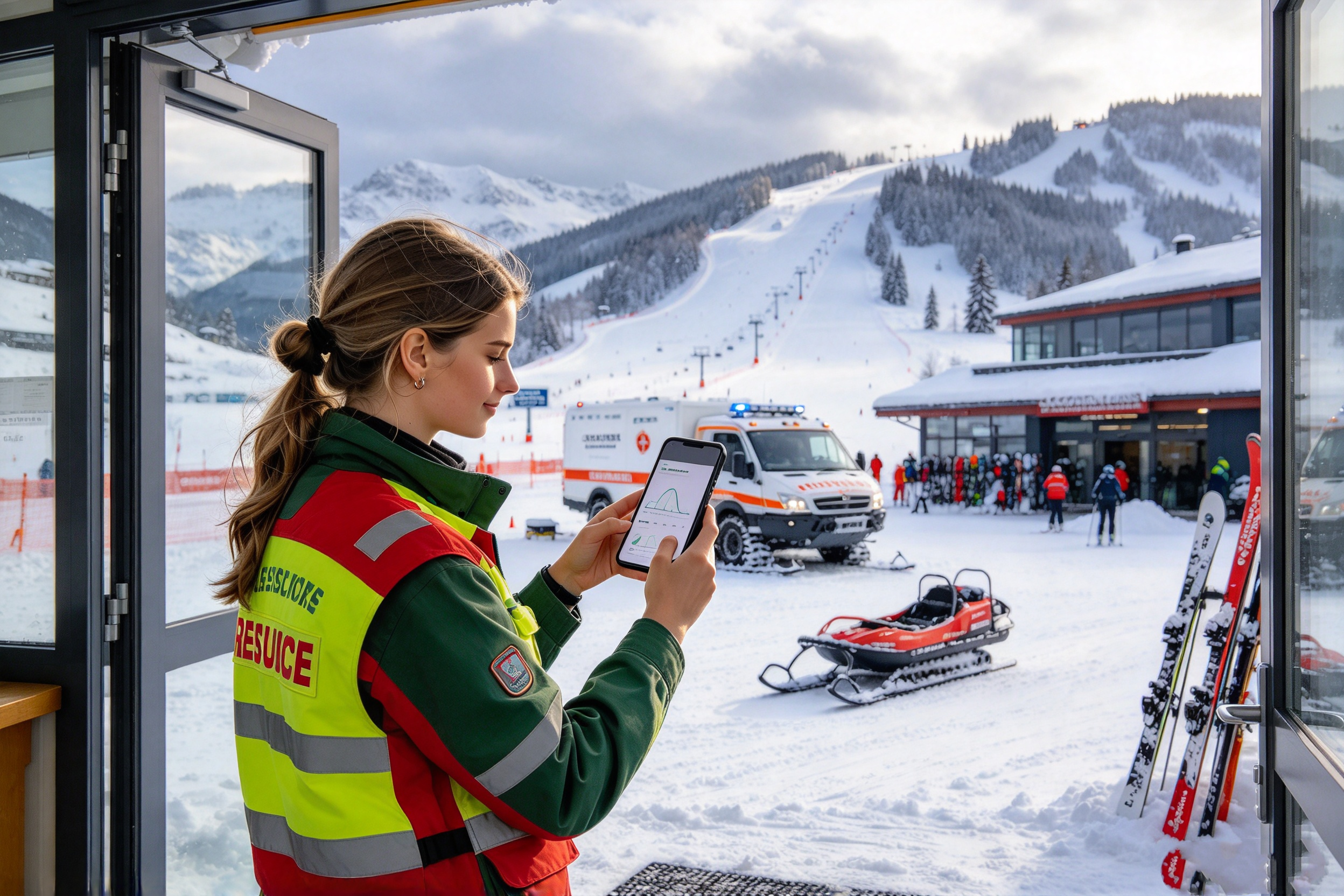
Picking up a seasonal job? It’s worth sorting out your mobile data before your first shift. The 5GB/15days US eSIM gives you 5GB of data with a 15-day validity period and no long-term contract. For people living in the U.S. who want extra data during a holiday job or temporary event assignment, it’s an option you can budget for ahead of time. Check the plan details and choose the data you need—one less thing to sort out when work starts.
1. A Short-Term Job Can Change How Much Data You Use
Seasonal work may only last a couple of weeks, but there’s still plenty to get ready for. Your shifts get busier, you spend more time away from home, and your usual phone habits change. The data that normally gets you through the month might deserve another look once you’re working several days in a row. Explore short-term data plans and get ready for the job ahead.
Before buying anything, consider how long you’ll need extra data, how much you’re likely to use, and whether the added cost fits your budget. Take a look at the 5GB/15days US eSIM and choose an option that fits your budget.
If you already have a mobile plan, an additional eSIM can help cover a temporary increase in usage. Checking your work dates and expected data needs early gives you time to make a choice without rushing before your first shift. Your job has an end date, and you can plan your extra data around it. Choose a plan around your work dates and sort out extra data before your first shift.
2. Count the Full Work Schedule Before You Activate
Start with the whole assignment: orientation, scheduled shifts, and any final handoff. Even if you’re working in your own town, a different location or longer hours away from home can change when you need mobile data. Tasks you’d usually handle over Wi-Fi may now happen during your commute or on a break. Check your full schedule, then review the 15-day plan details.
Say you’ve picked up a ten-day holiday position at a nearby mall. Add training beforehand and a final handoff afterward, and the assignment might stretch to fourteen days. Keep all those dates in mind when considering a 15-day plan. Check the product’s activation terms so you know exactly when the validity period starts. Review the activation rules so your plan lines up with your shifts.A no-contract plan lets you make that decision around the job you’ve accepted, without a long-term commitment. If your phone supports the required dual-SIM setup, you can also consider keeping your existing line and using the new eSIM for mobile data during the assignment. Explore the no-contract eSIM for your upcoming assignment.
Before adding a plan, take a look at what you already have. Someone who spends most days on home or campus Wi-Fi may want extra data for two weeks of shifts. Someone else may want to track work-related usage separately. Your remaining data and upcoming workload will help you decide whether an additional plan makes sense. Compare your current usage and choose the extra data you need.It’s worth counting the cost alongside transportation and meals, too. Check the price on the product page and decide whether it belongs in your work budget. When the assignment ends, you’ll have a clearer picture of what you spent. Check the price on the product page and include data in your work budget.
Explore the no-contract plan and see whether it fits your schedule. Once you’ve counted the days, consider what you’ll actually do on your phone. A store shift and a busy event can involve very different tasks.
3. Holiday Store Jobs: Small Tasks That Follow You Through the Shift
Get Your Onboarding Details in Order
A temporary retail, restaurant, or hotel position may ask you to review employee guidelines, a dress code, or training details online. On your way to orientation, you might realize there’s an attachment you haven’t opened. Once you arrive, there may be a web form to complete. Having access to those details makes it easier to arrive prepared. Explore data plans for temporary jobs and get your onboarding needs covered.
Use the official links your employer provides when submitting personal information. Save documents you’ve already reviewed so you can pull them up without downloading them again. Review the plan details and budget data for online paperwork.
A few minutes of organizing helps when the emails start piling up. Save the employee handbook, add the training location to your calendar, and bookmark the official staff portal. When you get to work, you can find what you need without scrolling through an entire email thread. Go online for new updates rather than repeatedly opening the same attachments. Choose data with your training schedule in mind and get ready ahead of time.

Keep Up With Shift Changes
Schedule changes tend to land at inconvenient moments. You’re getting ready for an afternoon shift when a supervisor asks you to come in earlier. A coworker wants to swap shifts, and you need to approve it in the scheduling app. Your break time changes, so the rest of your day needs a quick adjustment. Get your work data sorted so you can check schedule updates on the go.
Reading the update is only part of it—you may need to confirm it so your supervisor knows you’ve seen it. Being able to open the scheduling app after you’ve left home lets you record the change where everyone can find it later. Explore the 5GB plan for checking and confirming your shifts.
Imagine you’re helping with holiday sales at a local shopping center. You spend the morning organizing merchandise, then cover another department after lunch. A quick look at the updated assignment tells you where to go and who to check in with. You’re still living in the same place, but the extra job brings a few more things to handle on your phone. Choose an eSIM that fits the tasks your job requires.
A shift change can affect your ride home, too. Starting earlier may mean checking a different bus or train. After a late shift, you may need to compare transit connections with a rideshare. You know the route, but a different finish time can mean missing your usual service. Checking before you leave is easier than finding out at the stop that the last bus has gone. Budget data for your commute and take a look at the 15-day plan.
On a short break, it helps to handle the essentials first. Confirm your afternoon assignment, reply in the family group chat about dinner, then check the trip home. None of those tasks has to take long, but settling them early leaves fewer surprises later—especially if you’re balancing classes, home responsibilities, or another job. Choose a data option that fits your shifts and everyday routine.
Wrap Up With a Clear Handoff
Before heading out, you may have a timesheet screenshot to upload, a shelf photo to send, or a task record to submit. Add the details while they’re fresh. A clear photo and a short explanation make the handoff easier for the next person. Explore short-term data options for submitting your end-of-shift updates.
If your work mainly involves app messages, web pages, and a few photos, look at your usual usage in those apps to estimate how much additional data you need. Check the 5GB/15days US eSIM details and see whether it fits your holiday job.
Store routines are often fairly predictable. Event work tends to move with the crowd and the day’s schedule. At a convention, market, or sporting event, you’ll need your saved information—and a way to check what’s changed. Check out event-work data options and choose around your on-site tasks.
4. Event Gigs: Find the Right Information and Keep Things Moving
Convention Check-In and Guest Assistance
Temporary convention staff may cover an entrance, registration desk, or assigned exhibit area. The questions are specific: Where’s this exhibitor’s booth? Which room is the session in? Where should this guest go for assistance? Explore data for your event gig and leave room for reference lookups.
An exhibitor directory or venue guide can help you give a clear answer. If a booth or session moves, check the current online information. Download the basic floor plan before your shift so it’s easy to access, then use mobile data for updates. Take a look at the 5GB/15days US eSIM with your lookup needs in mind.
If you work registration in the morning and a session entrance after lunch, your reference material needs to change with the assignment. Confirm the session details and staff responsibilities when you’re allowed to check your phone. That way, you won’t be directing guests using an outdated schedule. Plan for changing assignments and review the data plan details.
Holiday Markets and Supply Runs
Helping at a holiday market often means keeping an eye on the booth while coordinating with the supply area. You’re running low on bags and need more. A delivery has ended up somewhere else, and you need to find it. Before closing, there are unused supplies to count and return. Choose data for your temporary role and on-site supply coordination.
A short description and a clear photo can save several rounds of explanation. Crop out what isn’t relevant and choose a reasonable image size before sending. If the other person can see exactly what you mean, it’s easier to grab the right item the first time. Estimate your photo uploads, then explore the available data plan.
At an outdoor market, supplies may be stored in several places. Include the box label, booth number, and pickup location when they’re relevant. During a lunchtime rush, sending the quantity and size in the same message can save follow-up questions and extra trips to storage. Include on-site coordination in your budget and choose data for the assignment.
Sports Events and Changing Assignments
A temporary event role can shift as guests arrive, the game gets underway, and the crowd heads out. You might help at an entrance, move to another service point, then assist with cleanup when your supervisor gives the go-ahead. Explore the 15-day eSIM for keeping up with event assignments.
When an assignment appears in the staff app, check your area and acknowledge it as required. Busy venues can have variable network performance depending on coverage and congestion. Save key instructions and supervisor contact details ahead of time, and download reference files you know you’ll need. Review coverage for your venue before choosing your data plan.
For a multiday event, review each day’s updates before your shift and move outdated files out of the way. At the end of the day, note anything that still needs attention. You’ll have a much easier start the next morning. Take a look at the 5GB option and budget around your actual tasks.
Choose data for your next event gig by looking at the tasks you’ll need to complete online. How often you message, how large your photos are, and what you can download beforehand will all affect how you use the 5GB.
5. How to Budget 5GB Over 15 Days
Spread evenly across fifteen days, 5GB works out to roughly 330MB a day. That gives you a feel for the total; it isn’t a daily data cap. Training days and regular shifts won’t necessarily use the same amount. Photo sizes, video quality, and background app activity matter, too. Compare your habits with the 5GB allowance to see whether it fits.
The table below is an illustrative budget, not measured usage. Use it as a starting point, then adjust based on your phone’s data records. Whether 5GB is enough depends on how you use it. Use this budget as a starting point when choosing your data plan.
Keeping 1.5GB unassigned gives you some flexibility. Orientation might involve opening several files, while a familiar shift needs only a few updates. You don’t have to stick to the same number every day. Check what’s left every few days and compare it with your remaining shifts. Leave room for busy workdays when considering the 5GB eSIM.
If data is disappearing faster than expected, work tasks may not be the only reason. Automatic photo backups, autoplaying videos, and background downloads can use data without much notice. Look at which apps are using the most rather than watching only the total remaining. Get a feel for your usage, then choose a plan that suits you.
When you start the plan, note your phone’s cellular data reading so you have a baseline. Check it periodically, and review autoplay, background refresh, and cloud sync if an app’s usage looks unusually high. Save system updates and longer video sessions for a suitable Wi-Fi connection. Review the plan details and put extra data toward the tasks that need it.
By the end of the assignment, you’ll have a useful reference: how much a normal shift uses and how much a busy event day adds. That makes the next plan easier to choose. For now, make sure your device is ready for the one you’re considering. Use your recorded usage to choose data for your next temporary job.

6. Check Compatibility and Set Up Before Your First Shift
Start with the phone you have. Confirm that your exact model and regional version support eSIM, then check that the device is unlocked. If you bought it through a carrier, make sure it can use another provider’s eSIM. The model name alone won’t tell you everything. Check device compatibility before buying your eSIM.
Next, review the product’s coverage information for your workplace, event venue, and commute. Check when the 15-day validity period begins, then follow the installation and activation instructions so the plan lines up with the days you need it. Review coverage and activation terms, then plan your purchase around your work dates.
If you’ll use the new eSIM as an additional data line, confirm that your phone supports the appropriate dual-SIM setup. Select the line you want for mobile data and review any automatic data-switching settings. That will make it easier to track which line you’re using. Follow the product page for any other requirements. Read the setup instructions and get ready to add your data line.
You can label the new line something like “Work Data” to make it easy to recognize. When you check usage or change a setting later, you’ll know which line you’re looking at. Menu options vary by phone, so use the seller’s instructions and contact the listed support channel if you run into trouble. Check the installation guide and follow it once you purchase.
Review device requirements and purchase instructions before you order. Give yourself time to install the eSIM and resolve any questions instead of opening settings as you’re about to start work.
Once setup is complete, select the data line as instructed, load a web page, and check that your work apps can connect. A few minutes of checking ahead of time leaves one less task for your first shift. Review your setup checklist before choosing the plan.
7. Your Shifts Are Booked. Get Your Data Sorted, Too.
The right choice comes down to your own schedule: how many days you’re working, what you’ll do on your phone, and how much data you already have. Store shifts bring schedule updates; event gigs add reference lookups and on-site coordination. Once you know what you need, it’s easier to choose a data allowance and activation date. Choose data for this assignment based on your shifts and expected usage.
If your assignment fits within fifteen days and your usage is mostly app-based messaging, browsing, and a few photos, the 5GB/15days US eSIM is worth considering for extra mobile data. The 5GB allowance gives you a total to budget around, while the no-contract option suits a short-term assignment. Check your expected usage and device compatibility before buying.
You’ve got the job lined up. Now get your data ready. View the 5GB/15days US eSIM, check the plan details, and order ahead of your first shift.