Destination Internet Guides
How to Pick US Network Solutions for New Users: Full Guide to Network Types, AdsPower Setup & Risk Mitigation Tips

People new to cross-border US business often feel overwhelmed by the wide range of network options available, including shared airport IPs, dedicated server IPs, residential broadband IPs, and specialized live streaming lines. Network quality directly impacts live broadcast smoothness and short-video sales performance, while also influencing platform risk assessment rules. Selecting an unsuitable network may lead to bandwidth throttling, reduced account standing, and in extreme cases, permanent account suspension. Many users cannot distinguish the appropriate use cases for cross-border proxy IPs and travel eSIMs, which creates frequent operational mistakes when mixing the two services. Drawing from hands-on frontline operational experience, this article covers three core areas: network category breakdown, full fingerprint browser configuration, and risk reduction for cross-border businesses. The content addresses two main user groups: short-term visitors to the US and long-term account operators. If you only require internet access for brief travel, browse US Travel eSIM Plans; for sustained localized account management, US residential IPs deliver consistent stability and can be considered.
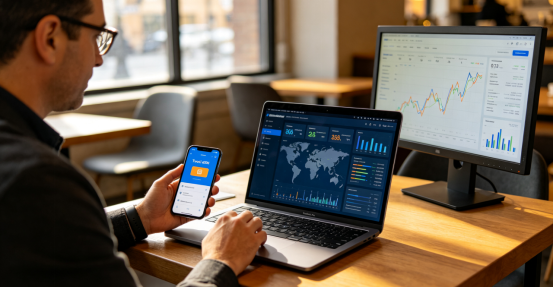
1. Overview of Common US Network Varieties – Match Your Choice to Business Needs
Higher price points do not always equate to better US network performance. Users should select solutions based on operation length and business scale. Five popular line types are widely available on the market:
Dedicated Server IPs
Each account connects to an independent server-assigned IP, offering moderate security and balanced cost efficiency. The setup works well for regular workflows such as short-video account management and cross-border store sales, making it a common starting point for small and emerging operators.
US Residential IP (Core Highlight)
Built on genuine household broadband infrastructure within the US, residential IPs receive mild risk assessment scores from platforms, which recognize them as authentic local resident connections. Their anti-linkage performance outperforms standard dedicated server IPs in most scenarios. These IPs fit extended account nurturing and localized cross-border profiles that require regular audience interaction and sales conversions.
Specialized Live Streaming Lines
Engineered to prioritize real-time audio and video transmission with low latency and strong upload bandwidth. The infrastructure supports crisp video feeds with minimal stuttering or disconnections for daily sales streams and long-format entertainment broadcasts.
SD-WAN Static Residential Lines
These packages include ample dedicated bandwidth and fixed static residential IPs, resulting in minor network fluctuations. They suit large broadcast events and multi-account matrix operations with heavy data consumption.
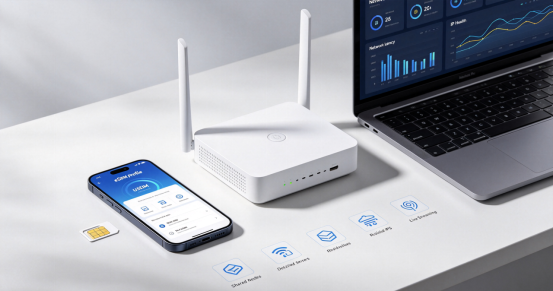
2. Standard Usage Protocols & Pre-Testing Recommendations for US Networks
After selecting a network line, building a unified localized digital environment can lower the likelihood of triggering platform risk controls. Most long-term operators utilize AdsPower fingerprint browsers to separate unique device fingerprint data across accounts.
New users are discouraged from purchasing multi-year premium packages at the outset. It is practical to begin with 7-day trial access to monitor latency, packet loss rates, and IP authenticity throughout the testing window. Users may extend long-term subscriptions only after confirming the line carries no pre-existing risk flags, helping to cut unnecessary trial expenses.
Once configuration finishes, users should run checks through trusted IP detection websites to verify the ASN carrier matches domestic home ISP infrastructure and the IP classification registers as residential. Log into business accounts only after all test metrics return normal readings. Short-term travel or academic stays in the US do not demand complex proxy setup; users can activate US Physical Data SIM Cards quickly via QR code scanning for instant internet access.
3. Complete Step-by-Step Fingerprint Browser Workflow (Key to Cross-Border Network Management)
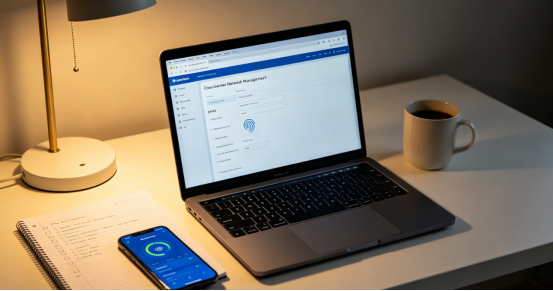
Step 1 Input Residential IP Proxy Credentials
After purchasing a US residential IP, providers will supply full proxy parameters: IP address, access port, login username, and password. Open AdsPower and create a new browser profile, pick SOCKS5 as the proxy protocol (which delivers steadier connections compared to HTTP), fill in all provided details, and save the settings. If you encounter proxy connection failures or load timeouts, visit Network Device Compatibility & Troubleshooting Center to access relevant resolution guides.
Step 2 Sync Localized Fingerprint Settings (Critical for Reducing Detection Risks)
Enable “Auto-match based on IP” for all fingerprint configuration items: time zone, GPS coordinates, system language, and interface text will automatically align with the city tied to your IP. This reduces inconsistent logic such as a US-based IP paired with Asian time zone settings, which platforms may flag as abnormal device fingerprints at the system level.
Step 3 Launch Browser & Confirm Active Public IP
Save all adjustments and open the browser session. Avoid relying solely on in-app status prompts to gauge network functionality; visit trusted detection platforms including ip2location and httpbin.org to validate your displayed public IP. Configuration is successful when the listed location matches your purchased IP and the registered carrier reads as domestic residential broadband.
Typical connection troubleshooting: Most proxy errors arise from conflicts with local system proxy tools or network acceleration software. Navigate to AdsPower Personal Settings > Local Settings, toggle on the network compatibility mode, shut down conflicting third-party tools, and re-establish the proxy connection.
4. Practical Risk Reduction Guidance for Cross-Border Network Beginners
- Avoid low-cost shared IP infrastructure: Rule violations committed by other users sharing the same IP may create secondary negative impacts on your accounts, such as store ranking drops and restricted payment channels. Do not deploy shared airport nodes for core revenue-generating operations including sales and live streaming.
- Look past vague promotional language for network lines: Before placing orders, avoid basing decisions on generic marketing phrases about universal high-performance lines. Request real-time multi-region Ping screenshots and 24-hour packet loss test records, and complete purchases only after live testing meets your operational standards.
- Prioritize compliance and data safety: Utilize network lines exclusively for legitimate cross-border commercial activities and refrain from accessing unregulated websites. Never enter account login credentials or bank payment details while connected to public airport WiFi or shared proxy environments.
- Conduct trial runs before committing to long-term plans: Residential IP and live streaming packages carry relatively high upfront costs. Always validate stability through short-term trial access to prevent wasted funds on large upfront payments for unsuitable services.
5. Advanced Methods to Build Authentic US Operational Network Environments
Many new operators invest in high-tier residential IPs yet repeatedly trigger platform risk controls, largely due to mismatched device environment parameters. Device system language, time zone, and location coordinates need consistent alignment with the city assigned to your IP to build a cohesive local browsing profile.
For multi-account matrix operations, follow the standard practice of assigning one unique IP and one dedicated browser environment to each account. Link every residential IP to an independent fingerprint profile to fully isolate account footprints, lower cross-account linkage risks, and sustain stable long-term store and account management.
If you are only traveling or studying in the US temporarily, complex proxy infrastructure setup is unnecessary. Users may opt for US Physical Data SIM Cards or US Travel eSIM Plans to access high-speed 4G/5G cellular data immediately after arrival.
Conclusion
US network solutions fall into two primary use cases: convenient travel eSIMs or physical SIM cards work well for short US visits; dedicated server IPs, residential IPs, or live streaming lines can be selected based on business scale for long-term cross-border e-commerce and short-video operations.
For cross-border commercial workflows, pair your chosen network with a fingerprint browser to complete full localized environment setup. Always run short trial tests and stay mindful of hidden drawbacks associated with shared IP products. With balanced budget planning, users can build a low-risk, fast, and consistent US online operational network to support store conversion rates and steady long-term account growth.