Destination Internet Guides
Low-Power IoT SIM Card Guide: 2GB/180 Days $19.99 SIM Card for GPS Tracking and Environmental Monitoring
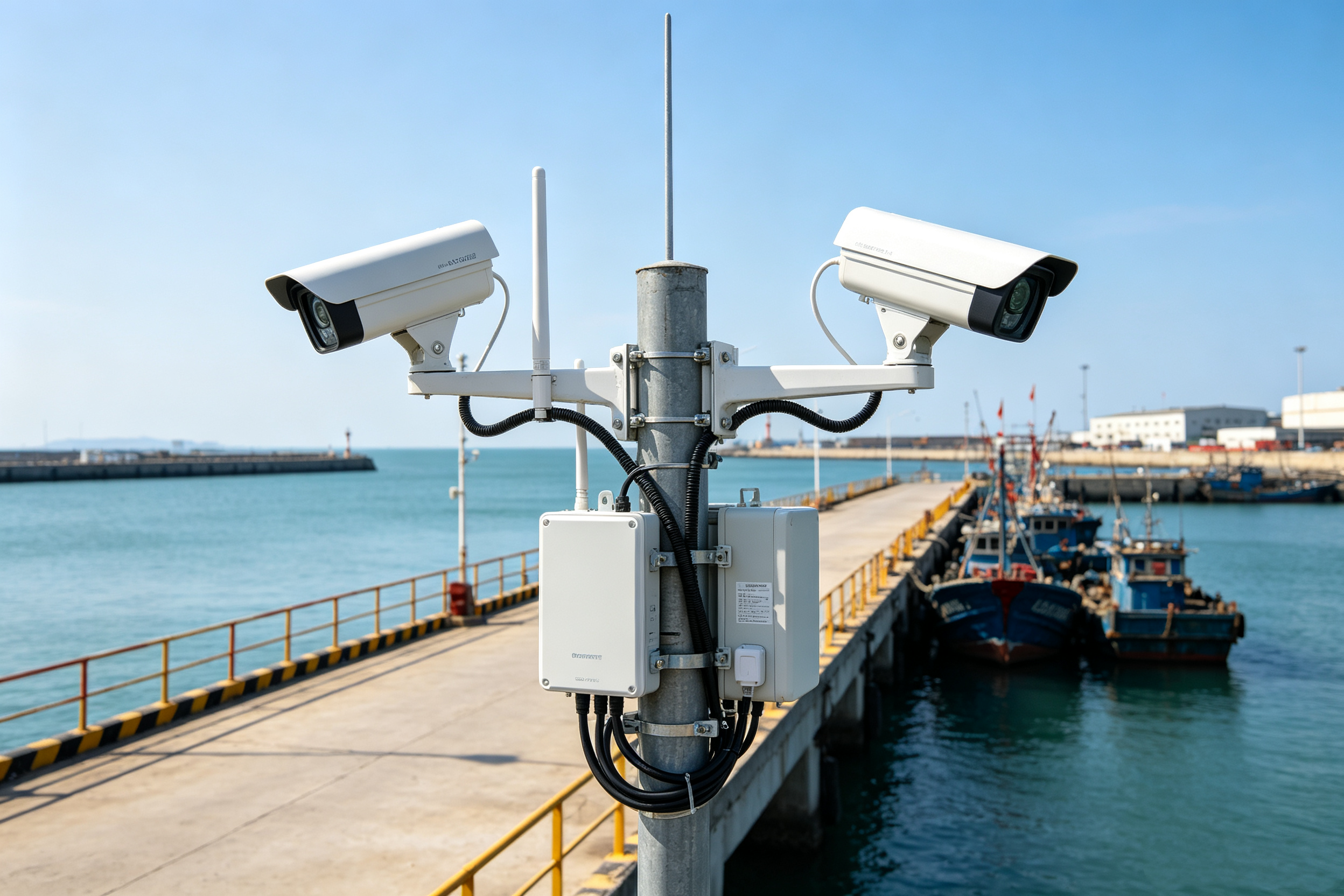
Low-power IoT devices such as GPS trackers, temperature and humidity sensors, and air quality monitoring devices use cellular networks very differently from smartphones. They typically connect only when they need to collect or upload data, then move on to the next task.
So when choosing a SIM card for an IoT device, the key isn’t simply getting more data. What really matters is whether the data allowance, communication frequency, and project timeline actually match the device. For devices that mainly send small amounts of data and need to run for several months, the 2GB/180 Days $19.99 SIM Card offers a clear six-month setup: 2GB of data, 180 days of service, and a straightforward $19.99 cost.
If your device is mainly used for GPS tracking, environmental monitoring, or other lightweight IoT applications, start by looking at how the device communicates, then decide whether this setup fits your project.
2GB / 180 Days / $19.99
Best for: GPS trackers, temperature and humidity sensors, air quality monitoring, soil/environmental monitoring, and other lightweight IoT devices
Core setup: 2GB of data|180-day validity|Periodic small-data transmission
1. Start With What Your Device Actually Sends
Before choosing an IoT SIM card, the first step isn’t comparing plans. It’s figuring out what data your device actually needs to send.
GPS trackers typically handle location coordinates, timestamps, battery levels, and device status. Temperature and humidity sensors mainly send environmental readings, while air quality and soil-monitoring devices communicate data from their respective sensors. While these devices serve different purposes, the data they send is usually pretty straightforward. They don’t need to constantly handle web pages, video, or other high-bandwidth content like a smartphone does.
So start by mapping out the device’s communication needs: What does it need to send? How often does it send it? Which information needs to be delivered right away? Once these questions are clear, network requirements stop being a vague question about “how much data do I need” and become something you can actually plan for.
Once the communication requirements are clear, the next thing to figure out is how long the project needs to run. For temporary or project-based deployments, the service period can have a direct impact on how easy the network is to manage.
2. 180-Day Validity Makes Sense for IoT Projects That Run for Several Months
Many IoT devices aren’t meant to stay deployed forever.Outdoor environmental monitoring may only run for a season, asset tracking may last for the length of a project or rental period, and temporary sensors may only need to collect data for a few months. For these types of applications, it’s much easier to manage the deployment when the network service period lines up with the device’s actual lifecycle.
A 180-day period can cover a project that runs for roughly six months. For teams that want to lock in the service period upfront, there’s no need to split one continuous deployment into several shorter service cycles.
For projects like these, the main benefit of a six-month plan is simple: the timeline is clear. At the start of the project, you can determine the number of SIM cards, service period, and network budget all at once. That makes it especially useful for personal DIY projects, small business monitoring, and temporary asset-tracking deployments.Once the service period is set, the next factor that really determines your network needs is the device itself. For GPS trackers, the most important thing to look at is how often the device updates its location.

3. GPS Trackers: Data Usage Depends on How Often Location Updates Are Sent
The core job of a GPS tracker is pretty simple: get the location, then send that location data to the backend.A fixed asset may only need to check in periodically, while a vehicle or mobile device needs more frequent updates while it’s moving. So even though two devices may both be GPS trackers, they may have completely different communication patterns.
A fixed device can use longer update intervals, while a vehicle can increase its update frequency while moving and reduce it again when parked. If something unusual happens, such as unexpected movement or a low-battery condition, the device can also send a separate status alert.The goal is to make the network connection serve the actual tracking task instead of keeping the device on the same upload schedule all the time. If your GPS device mainly sends location, time, and status information and uses periodic uploads, this six-month setup can fit directly into an asset-tracking network plan.
GPS answers the question “Where is the device?” Environmental monitoring answers “What’s happening around it?” That means the next step in network planning shifts from location updates to data sampling.
4. Environmental Monitoring: Set the Sampling Interval First, Then the Upload Frequency
Temperature and humidity sensors, air quality monitors, and soil/environmental sensors typically collect data locally first and then upload the results to a platform.
A warehouse temperature and humidity system may focus on environmental trends over time. An air quality device might record readings at set intervals, while a soil sensor may continuously track factors such as moisture and temperature. Since different projects have different requirements for how quickly changes need to be reported, their communication schedules can vary as well.
That’s why environmental monitoring projects should first decide “How often should we sample?” and then decide “How often should we upload?”If the goal is long-term trend tracking, a fixed sampling and upload schedule may be enough. If you need to see changes more quickly, the update interval can be shortened.
Once the sampling interval and data format are defined, it becomes much easier to estimate the device’s communication volume. For applications built around structured sensor data, a 180-day plan can be considered as a six-month network setup.The device type and communication method are now clear, so the next question that matters when choosing a plan is the most practical one: Is 2GB enough?
5. Is 2GB Enough? It Depends on Your Actual Data Usage
When estimating the right amount of data, you can’t make the decision based only on whether you’re using a “GPS tracker” or an “environmental sensor.” You need to look at the actual amount of data being sent.
A simple way to estimate it is:Data per transmission × transmissions per day × project duration = Basic data requirement
You should also account for device status updates, alerts, and other necessary communications that may generate additional usage.Two GPS devices can have very different data requirements. A low-frequency asset tracker and a real-time tracking device may use very different amounts of data. The same applies to environmental monitoring: a single temperature and humidity sensor will naturally have different data needs from a device connected to multiple sensor modules.
That’s why 2GB is better viewed as a data option for lightweight, small-packet communication rather than a universal standard for every IoT device. If the device has predictable data requirements and a clearly defined upload schedule, you can estimate usage before the project starts and decide whether this capacity is a good fit.
If your actual requirements fall within that range, the six-month setup described above can give you a way to lock in the data allowance, service period, and project budget upfront.Once the data requirement is settled, the next step is getting the SIM card connected to the actual device. With IoT projects, inserting the SIM is only the beginning. The full data path needs to work properly for the device to do its job.

6. From the SIM Card to the Backend: Set Up the Full Data Path
Once you’ve chosen the plan, the SIM, device, and backend platform all need to work together as one complete connection.Start by confirming the device supports the required SIM format and cellular network technology, then install the SIM, connect to the network, and link the device to the platform. Some IoT devices may also require APN or other network settings. Follow the configuration instructions provided by the device manufacturer and service provider.
After setup, it’s a good idea to check the basic connection points one by one: Is the device successfully registered on the network? Can it send data normally? Is the backend receiving that data? And after the device enters sleep mode, can it reconnect properly when the next task starts?It’s also worth testing the connection at the actual installation location before permanently mounting the device. Vehicles, warehouses, outdoor enclosures, and other environments can have very different network conditions.
Once all of these pieces are working together, a single IoT device has a complete data path. As the number of devices grows, the next challenge isn’t connectivity itself. It’s keeping all of those devices organized and manageable.
7. When You Go From One Device to Dozens, Standardize Your Management
As an IoT project grows, one of the easiest things to overlook isn’t the amount of data. It’s keeping track of which SIM belongs to which device.The simplest approach is to give every device a unique ID and keep track of its SIM card, activation date, installation location, and purpose. Vehicles can be managed by vehicle number, warehouse devices can be grouped by area, and environmental monitoring devices can be tied directly to individual monitoring points.
Once this is set up, replacing, moving, or maintaining a device becomes much easier because you can quickly find the information tied to it instead of checking a large stack of SIM cards.For projects deploying multiple devices of the same type, using the same data allowance and service period also makes it easier to build a standardized inventory. The same 2GB allowance and 180-day period can be applied across additional devices, reducing the complexity that comes with managing multiple plans.
8. Start With the Device and Build a Complete Six-Month IoT Setup
A clear IoT deployment process can follow this sequence: device task → communication frequency → data allowance → service period → device management.First, figure out what the device needs to upload, then determine how often it should upload. Use the actual communication volume to plan the data allowance, match the service period to the project timeline, connect the SIM, device, and platform, and finally create a device inventory.
For lightweight applications such as GPS asset tracking, vehicle status tracking, temperature and humidity monitoring, air quality monitoring, and soil/environmental data collection, if the device mainly sends small amounts of data on a periodic basis and is expected to run for several months, a 2GB, 180-day setup can be considered as a clear six-month network option.
Before you buy, you really only need to answer three questions:
Once those three things are clear, choosing a SIM card becomes much easier. Instead of approaching IoT connectivity like a smartphone plan and simply adding more data, it makes more sense to size the allowance and service period around the actual device requirements.
- How much data does the device generate each day?
- How long is the project expected to run?
- Does the device mainly rely on periodic small-data transmission?

Frequently Asked Questions
Is the 2GB/180 Days $19.99 SIM Card suitable for GPS trackers?
If the device mainly sends location, time, and status information and uses periodic communication, you can evaluate whether this setup fits based on its actual upload frequency.
Does it work for temperature, humidity, and air quality sensors?
These devices typically send structured data, so you can estimate the actual communication requirement based on the sampling interval and the amount of data being uploaded, then determine whether 2GB is a good match.
What types of IoT projects are a good fit for 180 days?
It works well for project-based applications that need to run for several months, such as asset tracking, environmental monitoring, device testing, and temporary deployments.
What should I do if 2GB isn’t enough?
First check the upload frequency, data size per transmission, and whether there are additional communication tasks. Then choose a larger data allowance based on the actual usage requirements.
Can it be used for multiple IoT devices?
Yes. You can plan the SIM cards around the number of devices and keep each one tied to its corresponding device ID for easier management.
Set Up a Six-Month Network for Your IoT Project
If your device mainly sends GPS coordinates, environmental readings, or device status data, has a predictable communication schedule, and needs to run for several months, this 2GB/180-day setup can be a practical IoT data option to consider.
From a single GPS tracker to multiple environmental sensors, and from personal DIY projects to small business deployments, you can start by sizing the data allowance around the device’s actual communication needs and then match it to the project timeline.
Ready to get started? View the 2GB/180 Days $19.99 SIM Card and set up six months of connectivity for your GPS tracker and low-power IoT devices.