eSIM Basics & Setup
Complete Travel eSIM FAQ: All Answers Covering Purchase, Installation, Usage, Devices & After-Sales Support
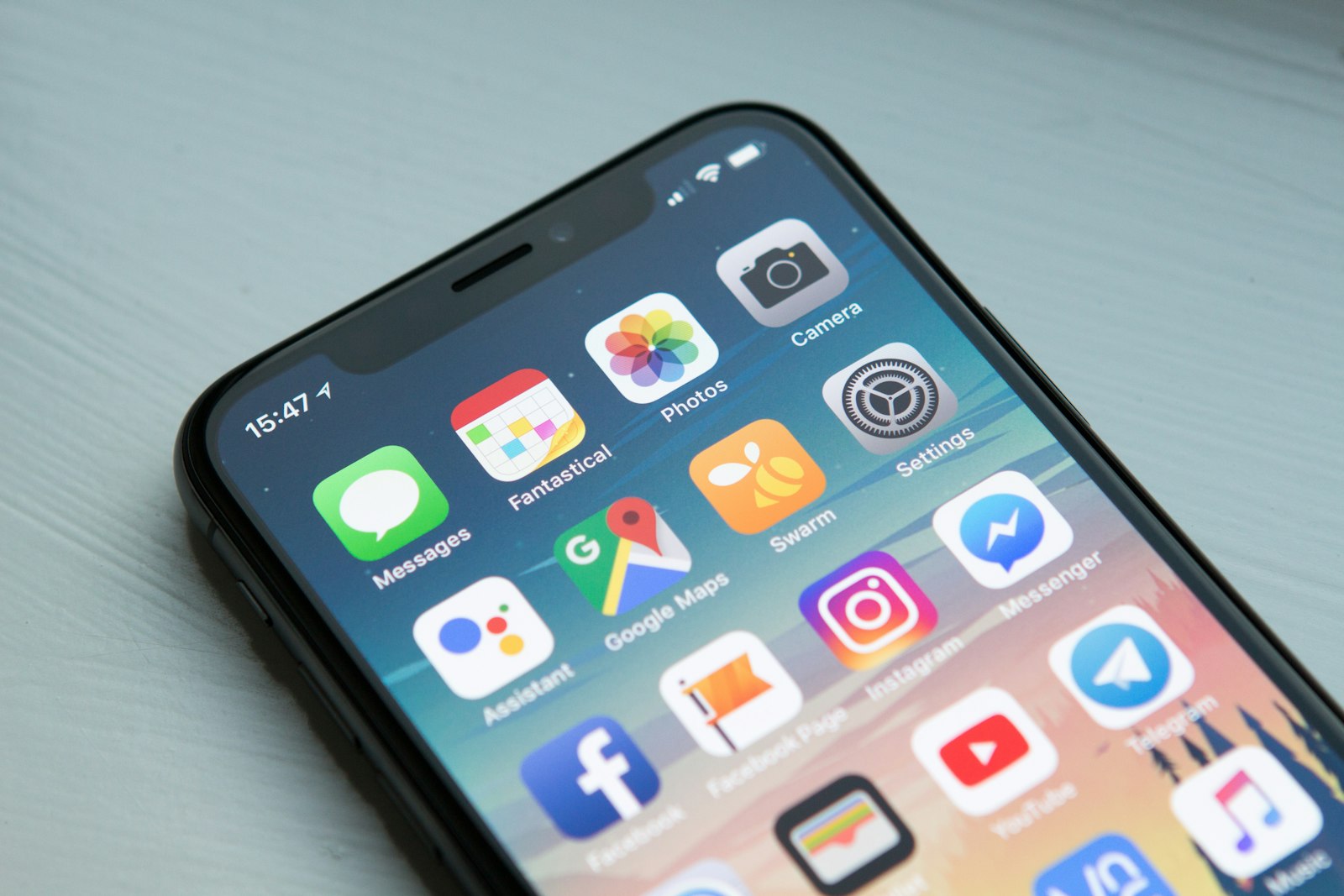
Unstable internet access abroad and confusing eSIM setup steps rank among common travel frustrations, and rushed purchases may lead to unexpected hidden plan fees. This FAQ rounds up frequent questions submitted by travelers and organizes content into five core sections: order checkout, device installation & activation, overseas data usage, refund & after-sales policies, and hardware compatibility. New users with limited tech experience can learn key operational tips and reduce many typical connectivity issues during trips.
2. Installation & Activation (How to Set Up Travel eSIM)
Q: How to install travel eSIM?
Stable Wi-Fi connection is required throughout the installation process, with separate guidance for iPhone and Android devices:
iPhone: Settings > Cellular > Add Cellular Plan > Scan the QR code attached to your email, rename the profile as Overseas Travel Data, and leave Data Roaming disabled before departure. Toggle this setting on only after arriving at your destination.
Android (Samsung / Google Pixel): Settings > Connections > SIM Card Manager > Add Mobile Plan > Scan the QR code to finish configuration and save the profile; keep Data Roaming turned off while at home. Only the profile will be stored after installation, and your plan’s valid countdown will not start early.
Q: What is a suitable window to install eSIM?
Users may complete pre-installation 1 to 3 days before departure while connected to home Wi-Fi. Avoid setting up at airports or upon arrival, as unstable local public networks often cause QR scan failures and slow page loading. After pre-configuring at home, you only need to enable Data Roaming to access navigation services once you land.
Q: Do I need to restart my phone after installation?
A reboot is not required for most device models. New profiles take effect immediately after scanning and saving. If your Android device fails to detect the eSIM profile, restart the handset once to fix recognition errors.
Q: Can I keep my original physical SIM card active?
Dual-SIM standby mode is supported on compatible devices. Keep your domestic physical SIM inserted to receive verification texts and incoming local calls. Set the travel eSIM as your default line for cellular data and disable Data Roaming on your home SIM to prevent expensive international roaming charges, while voice and SMS functions remain usable as normal.
3. Overseas Internet Usage
Q: What steps can I take if I cannot connect to mobile data after arriving at my destination?
Q: Does the plan support mobile hotspot sharing?
Most global LemonSIM travel eSIM tiers include complimentary hotspot functionality. You may share mobile data with tablets, laptops and travel companions. Many low-cost competing plans add restrictions or surcharges for hotspot access, making our packages a practical choice for group travel. Review the eSIM Hotspot Sharing Guide for full usage terms.
Q: What should I do if I use up my allocated data volume?
There is no need to purchase an entirely new standalone plan. Supplementary data add-ons can be bought online for instant top-ups, which run on your existing eSIM profile without repeating QR scanning and configuration steps.
Q: Will my plan renew automatically once it expires?
All travel eSIM products are one-time purchases with no automatic renewal or hidden recurring deductions. Cellular data access will stop once the validity window closes, and users need to place a new order to continue service.
Q: Do travel eSIMs come with a local phone number?
Travel eSIMs operate as data-only packages without dedicated local voice or SMS numbers. Messaging and video tools such as WeChat, WhatsApp, FaceTime and Zoom run smoothly over mobile data, while ride-hailing, navigation and online payment features stay functional.
- Double-check that Data Roaming has been turned on (this setting is mandatory for travel eSIMs and will not trigger extra fees from your domestic carrier);
- Toggle Airplane Mode on for 10 seconds then switch it off to re-register with local cellular towers;
- LemonSIM dual-network eSIMs allow manual carrier switching to improve signal strength in suburban and island locations;
- Delete and reinstall the eSIM profile, or visit the eSIM Troubleshooting & Refund Service Center to connect with bilingual support staff for personalized remote setup guidance.

4 .Refund & After-sales (eSIM Refund Policies)
Q: Am I eligible to request a refund?
Refund requests can be approved for orders meeting listed criteria, with no complicated processing fees applied.
Q: Under which scenarios can I submit a full refund application?
Q: How can I reach customer service representatives?
Live support entry points are placed at the website footer, order confirmation emails and individual product pages. Round-the-clock bilingual human agents offer help with activation errors, network instability and refund inquiries, with limited reliance on automated bot responses. Visit the eSIM Troubleshooting & Refund Service Center for fast assistance.
- Full refund available if the eSIM QR code has never been scanned or activated due to canceled trips or schedule adjustments;
- Full refund available if hardware incompatibility blocks usage and the plan remains unactivated;
- Full refund confirmed by support teams if the activation QR code never arrives long after payment. Orders with activated profiles, consumed data volume or expired validity cannot qualify for refunds.
5 .Device Compatibility (eSIM Hardware Check Guide)
Q: Is my smartphone compatible with travel eSIMs?
iPhone: iPhone XS, XR and newer models (11/12/13/14/15/16/17 series, 2nd & 3rd Gen SE, iPhone Air) support eSIM. iPhone X and older generations lack compatibility.
Android: Samsung S20 and newer flagships, Google Pixel 3 and above, plus recent OPPO and vivo premium handsets work with eSIM technology.
Quick self-check path: Settings > Cellular / Connections. If the menu displays an option labeled “Add Mobile Plan / Digital SIM”, your device supports eSIM installation.
Q: Do mainland China iPhones work with overseas eSIMs?
Standard mainland iPhones equipped with dual physical SIM slots cannot install eSIM profiles while staying in China. After traveling abroad, enable Location Services to scan and activate travel eSIMs while keeping your domestic physical SIM inside the device. Only mainland versions of iPhone Air and iPhone 17e carry native dual eSIM support. Carrier-locked contract phones from domestic telecom providers cannot run overseas eSIMs and require unlocking ahead of travel.
Q: Can I install eSIM on iPad devices?
Cellular-capable iPad models (iPad Pro, iPad Air, latest iPad mini) support eSIM profiles. Wi-Fi-only iPads do not contain cellular hardware and cannot store eSIM configurations. iPad installation steps match the workflow for iPhones; you may use the eSIM independently or connect via mobile hotspot from another device.
Conclusion
Travel eSIMs deliver a practical overseas internet option with balanced pricing and approachable setup workflows. Verify device compatibility and complete pre-installation at home to reduce many common connectivity disruptions. You may contact our 24-hour human support team anytime for help with ordering, setup or network issues, and cut down on airport waiting lines, expensive roaming charges and bulky portable WiFi equipment.
Browse regional packages for the U.S., Japan and Europe to match your travel schedule and access steady 4G/5G mobile data after landing overseas.